Playing with the CYD
A couple weeks ago I bought myself a tiny little yellow ESP32 board with a touchscreen on it, commonly known as "Cheap Yellow Display" (aka CYD).
It's a pretty capable board with ESP32-D0WD-V3 MCU on it as well as some useful peripherals (such as microSD card slot, DAC with an amplifier and afformentioned touchscreen).
At the moment of writing this post I've done way too many things without taking many photos, so this post is gonna look pretty lame 😔
Short board info
| thang | description |
|---|---|
| RAM | 520KB |
| Flash | 4MB QSPI |
| Display | ILI9341 1 |
| Touchscreen | resistive with XPT2046 controller |
| UART driver | CH340 as always |
| Price | ~$12 |
Unfortunately it only works at 40MHz or lower, 80MHz makes it freak out too much (image below)
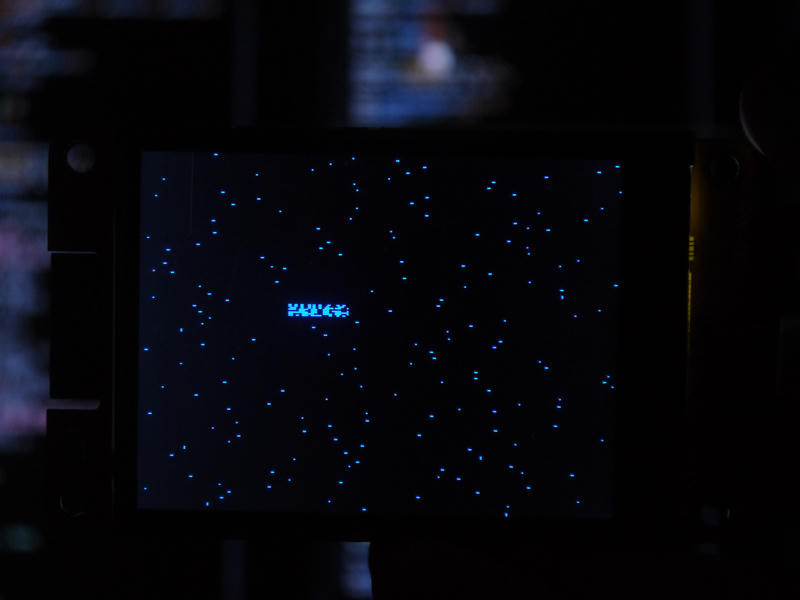
Screen at 80MHz
It also has on-board RGB LED on pins 4, 16 and 17 (not addressable one, unfortunately) but I ended up using those pins for a different purpose :3
A ton of helpful information I got from this page, including some mentioned here
i can see now
First thing I did with it is flashed MicroPython and tried to get display running
After very long sesh looking into how others have done it in Arduino land, i just ended up sending minimal init sequence to that display:
_INIT_SEQUENCE = micropython.const((
    (0x01, None),
    (0xcf, b"\x00\xc1\x30"), # PWCTRB
    (0xed, b"\x64\x03\x12\x81"), # POSC
    (0xe8, b"\x85\x00\x78"), # DTCA
    (0xcb, b"\x39\x2c\x00\x34\x02"), # PWCTRA
    (0xf7, b"\x20"), # PUMPRC
    (0xea, b"\x00\x00"), # DTCB
    (0xc0, b"\x23"), # PWCTR1
    (0xc1, b"\x10"), # PWCTR2
    (0xc5, b"\x3e\x28"), # VMCTR1
    (0xc7, b"\xB3"), # VMCTR2
    #        ^^^^
    # EVIL FUCKING THING THAT
    # WAS 0x86 BEFORE AND LOOKED
    # LIKE ABSOLUTE GARBAGE
    (0x36, b"\x20"), # MADCTL: Rotation
    (0x37, b"\x00"), # VSCRSADD
    (0x3a, b"\x55"), # PIXFMT
    (0xb1, b"\x00\x18"), # FRMCTR1
    (0xb6, b"\x08\x82\x27"), # DFUNCTR
    (0xf2, b"\x00"), # ENABLE3G
    (0x26, b"\x01"), # GAMMASET
    (0xe0, b"\x0f\x31\x2b\x0c\x0e\x08\x4e\xf1\x37\x07\x10\x03\x0e\x09\x00"), # GMCTRP1
    (0xe1, b"\x00\x0e\x14\x03\x11\x07\x31\xc1\x48\x08\x0f\x0c\x31\x36\x0f"), # GMCTRN1
    # Imma be honest, I have no idea what those values mean ^
    (0x11, None), # SLPOUT
    (0x29, None), # DISPLAY_ON
))
after which sending frames was as easy as setting window for changes:
cmd_with_data(0x2A, struct.pack(">HH", x, x + w - 1))
cmd_with_data(0x2B, struct.pack(">HH", y, y + h - 1))
cmd(0x2C) # RAMWR
and just writing image buffer as is-
Traceback (most recent call last):
  File "<stdin>", line 1, in <module>
MemoryError: memory allocation failed, allocating 153600 bytes
...rrrright....
Luckily for me I have spent enough time on making ComputerCraft Term API-compatible renderer for MicroPython which lets me update lines at a time (just 5724 bytes of pixels) instead of whole screen at once
After some refactoring and cleanup, all we have to do to get a working terminal is:
from ccterm import CCTerm
from machine import Pin, SPI
from lcd import LCD

spi_lcd = SPI(1, 40000000, mosi=13, miso=12, sck=14)
lcd = LCD(spi_lcd, Pin(2, Pin.OUT), Pin(15, Pin.OUT))
backlight = Pin(21, Pin.OUT, value=1)

term_buf = bytearray(53 * 26 * 2)
line_buf = bytearray(53 * 6 * 9 * 2)
term = CCTerm(term_buf, 53, 26)

def refresh_screen():
    lcd.set_window(1, 3, 318, 234) # centers it out
    for y in range(26):
        term.get_line_pixel_data(y, line_buf)
        lcd.data(line_buf)

term.set_background_color(1 << 15) # black
term.set_text_color(1) # white
term.clear()
term.puts("Hello, ")
term.set_text_color(1 << 3)
term.puts("MicroPython!\n")

refresh_screen()
Source of everything can be found here
Which gives us this:
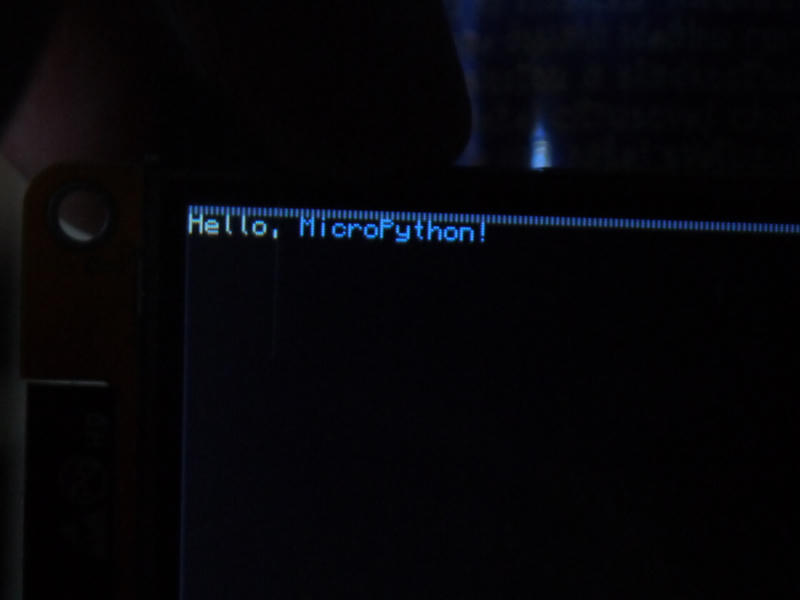
Excuse poor image quality, I was taking those photos at work
Now it would be nice to have a..
way to input stuff
A bit before getting this board I also bought CardKB from M5Stack. It's a tiny keyboard with 50 keys, I2C interface and a status LED, powered by ATMega8A chip. Annoyingly, it costed more than CYD, but not by much
Using it is was so much easier than poking that display: just read a byte from 0x5F and that's it, the key!
Keycodes pretty much follow ASCII for alphanumeric symbols, ESC is sent as familiar 0x1B and Return key is CR and not LF for some reason.
fn+[K] keycodes are a bit weird, but nothing too difficult to work with. I ended up using them as an alternative to Ctrl+[K] presses in the end.
A couple really annoying things with that keyboard: it tends to reset if you touch second pin of ISP section and using those keys for prolonged periods of time hurts my fingers a ton. I might end up printing keycaps for those to make my life a bit easier
As previously mentioned, Fn-keycodes are slightly weird, so I made a mapping of some of them to more common sequences (that MicroPython also understands):
char_mapping = {
    0x08: b"\x08", # BS
    0x09: b"\x09", # HT,
    0x0D: b"\x0D", # CR
    0x9A: b"\x01", # Fn+A -> Ctrl+A (goto beginning)
    0xA8: b"\x03", # Fn+C -> Ctrl+C (keyboard interrupt)
    0x9C: b"\x04", # Fn+D -> Ctrl+D (eof)
    0x8F: b"\x05", # Fn+E -> Ctrl+E (goto end)
    0xB5: b"\x1b[A", # Up
    0xB6: b"\x1b[B", # Down
    0xB4: b"\x1b[D", # Left
    0xB7: b"\x1b[C", # Right
    0x98: b"\x1b[H", # Home
    0xa5: b"\x1b[4~", # End
    0x8b: [0x0B], # Fn+BS -> Del
}
Oh also! Since we need I2C bus, I ended up using conveniently-shaped-4-pin-header-that-also-happens-to-have-power-wired-into-it. I cut off half the cable keyboard came with, soldered it to the one that CYD had and added 4 connectors in case I'd want to connect something else to the same bus. It looks ugly and I don't wanna show it
Now if we just...
from machine import I2C
iic = I2C(scl=Pin(22), sda=Pin(27))

# ...

# NOTE: for the time being I'm using only this
# as it's too early to use full ESC/CSI sequences here
char_mapping = {
    0x0D: 0x0A
}

while True:
    try:
        kc = iic.readfrom(0x5F, 1)[0]
        if kc != 0x00:
            term.putc(char_mapping.get(kc, kc))
    except Exception:
        pass

    refresh_screen()
    time.sleep_ms(50)
And now we can type stuff on the screen, yay!
Sometime later I'm gonna talk about how I made this monsterosity work as self-contained MicroPython REPL, made it feel touches and scream on boot
That's it for now, I wanna piss and don't feel like writing anymore, baiii